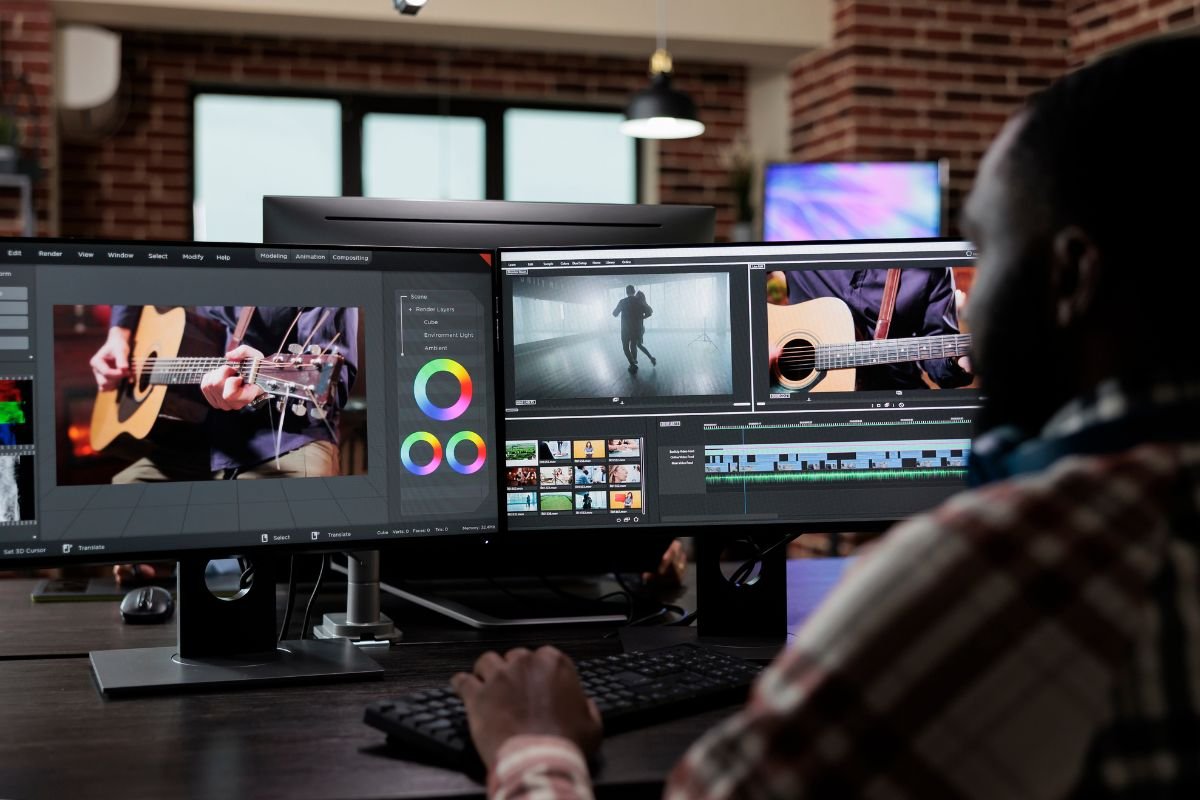
Video editing in 2026 is faster, smarter, and more AI-powered than ever. Whether you’re a YouTuber, filmmaker, drone creator, or social media editor, choosing the right editing software can dramatically improve your workflow and creativity. Today’s top video editors combine advanced color grading, AI automation, and smooth performance to help creators produce professional-quality content.
In this guide, Photovix explores the best video editing software of 2026, including tools for beginners, professionals, and social media creators.
🚀 Why Choosing the Right Editing Software Matters in 2026
Modern video production demands speed and flexibility. Editors need tools that support multiple platforms, advanced color grading, AI assistance, and collaborative workflows. Many popular editing programs now include features like text-based editing, auto-reframing, AI masking, and fast export options to save time.
The best software depends on your goals — cinematic filmmaking, YouTube videos, reels, or commercial editing.
🏆 Top Video Editing Software of 2026
1️⃣ Adobe Premiere Pro – Best for Professionals & Agencies
Adobe Premiere Pro continues to dominate professional editing workflows. It integrates deeply with Creative Cloud apps like After Effects and Audition, making it ideal for filmmakers and content studios.
Key Features
- AI text-based editing and auto-reframe tools
- Cross-platform support (Windows & macOS)
- Strong collaboration and plugin ecosystem
Premiere Pro runs on a subscription model, giving users regular updates but requiring ongoing payments.
👉 Best for: Professional editors, YouTube studios, production teams.
2️⃣ DaVinci Resolve – Best Free Professional Editor
DaVinci Resolve is one of the most powerful video editing platforms available today. It offers professional-grade color grading, audio editing, and VFX tools — even in its free version.
Key Features
- Advanced color grading system
- Built-in audio editing (Fairlight)
- One-time payment for Studio version
Many independent filmmakers prefer Resolve because it delivers high-end features without recurring subscription costs.
👉 Best for: Filmmakers, drone videographers, cinematic editing.
3️⃣ Final Cut Pro – Best for Mac Creators
Final Cut Pro remains one of the fastest video editors for Apple users. Its magnetic timeline and optimized performance on Apple Silicon chips make editing smooth and efficient.
Key Features
- Fast rendering and editing performance
- One-time purchase model
- Seamless macOS ecosystem integration
New subscription bundles like Apple Creator Studio are also expanding access to creative tools, offering flexible pricing options for creators.
👉 Best for: Mac users, YouTubers, professional content creators.
4️⃣ CapCut – Best for Social Media & Quick Editing
CapCut has grown into one of the most popular editing tools for short-form content. With easy drag-and-drop editing and built-in effects, it’s perfect for beginners and influencers.
Key Features
- Auto subtitles and AI tools
- Free editing options
- Mobile and desktop versions
Its simplicity makes it ideal for reels, shorts, and fast content production.
👉 Best for: Beginners, TikTok creators, Instagram editors.
5️⃣ Wondershare Filmora – Best Beginner-Friendly Editor
Filmora is known for its easy interface and pre-built effects. New AI features make it easier than ever to create professional-looking videos without advanced editing knowledge.
Key Features
- Drag-and-drop editing
- Built-in templates and effects
- Affordable pricing
👉 Best for: New YouTubers and hobby editors.
6️⃣ CyberLink PowerDirector – Best Balance of Speed & Features
PowerDirector continues to evolve with AI tools and fast rendering performance. The latest updates include automated effects and video generation tools that help editors create content quickly.
Key Features
- Multi-layer timeline
- AI video effects
- Beginner-friendly interface
It’s a great option for creators who want powerful editing without a steep learning curve.
👉 Best for: Intermediate editors and content creators.
⚖️ Premiere Pro vs Final Cut vs DaVinci Resolve – Quick Comparison
| Software | Platform | Pricing | Best Strength |
| Premiere Pro | Windows & Mac | Subscription | Industry workflow |
| Final Cut Pro | Mac Only | One-time | Speed & performance |
| DaVinci Resolve | Win/Mac/Linux | Free & paid | Color grading & pro tools |
Each editor excels in different areas, so the right choice depends on your workflow and hardware.
🤖 Biggest Video Editing Trends in 2026
The editing industry is evolving rapidly. Here are some trends shaping video editing this year:
✅ AI-powered editing workflows
✅ Text-based editing and auto-captions
✅ Faster export performance
✅ Cloud collaboration tools
✅ Cross-device editing between desktop and mobile
These innovations are helping creators edit faster while maintaining professional quality.
🧠 How to Choose the Right Video Editing Software
Before selecting a video editor, consider:
- Your experience level (beginner or pro)
- Your computer hardware
- Subscription vs one-time payment
- Type of content (YouTube, reels, films, drones)
For example, beginners may prefer Filmora or CapCut, while filmmakers often choose DaVinci Resolve for advanced color grading.
FAQs – Best Video Editing Software 2026
1. Which video editing software is best for beginners?
Filmora and CapCut are among the easiest tools to learn because they offer simple interfaces and built-in effects.
2. What is the best free professional video editor?
DaVinci Resolve offers a powerful free version with advanced editing and color grading tools.
3. Is Premiere Pro better than Final Cut Pro?
It depends on your system. Premiere Pro works on Windows and Mac and integrates with Creative Cloud, while Final Cut Pro is faster on Mac devices.
4. Which software is best for YouTube creators?
Premiere Pro, Final Cut Pro, and CapCut are popular choices depending on editing complexity.
5. Do professionals still use Final Cut Pro?
Yes, many professionals prefer Final Cut Pro for fast workflows and optimized performance on Apple devices.
🎥 Final Thoughts
The best video editing software of 2026 depends on your editing style, experience level, and platform. Premiere Pro remains an industry standard, DaVinci Resolve offers powerful free tools, and Final Cut Pro delivers speed for Mac creators. Meanwhile, beginner-friendly apps like CapCut and Filmora continue to make video editing accessible for everyone.
As content creation grows across YouTube, drones, and social media, investing in the right editing software will help you work faster, produce better visuals, and stand out in a competitive digital world.