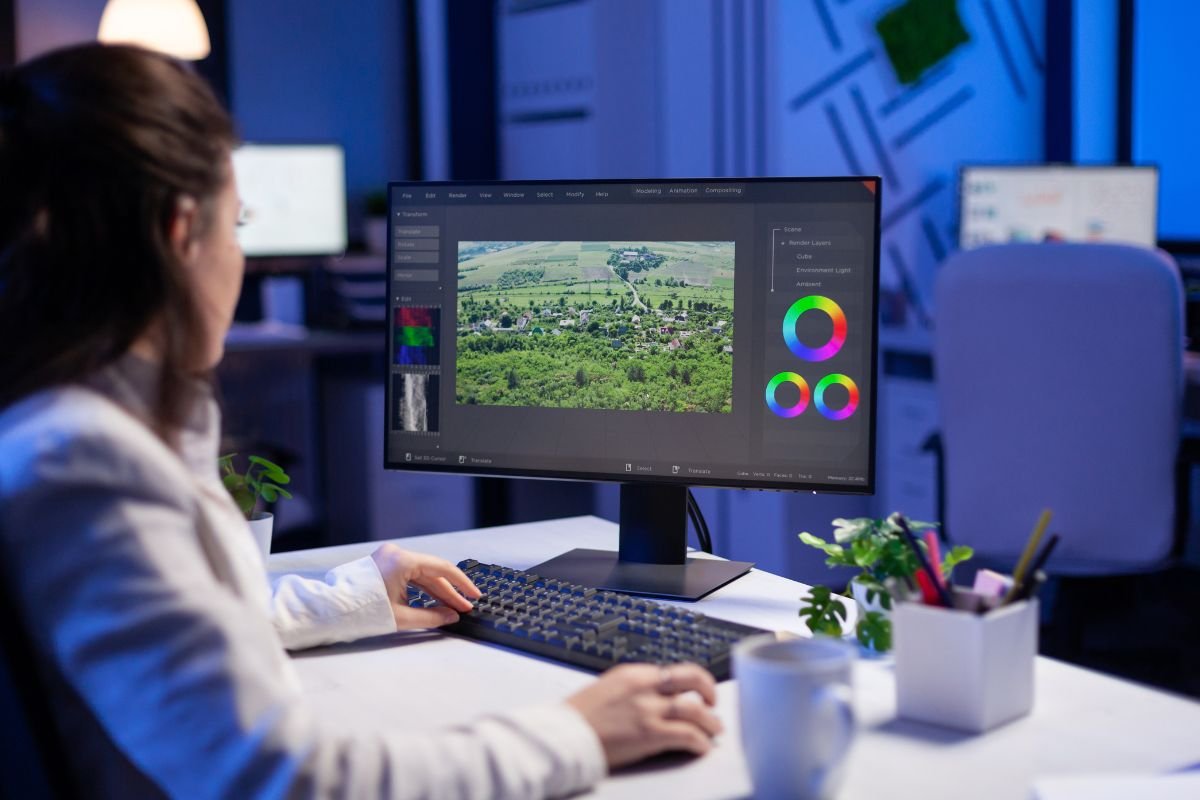
Photo editing has become an essential part of modern photography. Whether you are a beginner capturing travel moments or a professional photographer working on commercial projects, choosing the right photo editing software can dramatically improve your workflow and image quality. In 2026, editing tools are smarter, faster, and powered by AI, making it easier than ever to create stunning visuals.
In this guide, we explore the best photo editing software available today, including options for beginners, professionals, and content creators.
Why Photo Editing Software Matters in Modern Photography
Even the best cameras need post-processing. Editing software helps photographers adjust exposure, enhance colors, remove distractions, and create a consistent visual style. With AI-powered features like automatic masking and object removal, modern editing tools save time while improving creative control.
Choosing the right software depends on your skill level, budget, and editing goals. Some tools focus on advanced professional editing, while others are designed for quick social media content.
Adobe Lightroom – Best Overall Photo Editing Software
Adobe Lightroom continues to be one of the most popular editing tools among photographers. Its clean interface and powerful editing sliders make it perfect for beginners and professionals alike.
Lightroom is ideal for photographers who manage large photo collections because of its advanced catalog system. The AI masking tools in recent updates allow users to select subjects, skies, or backgrounds with just one click.
Key Features:
- Non-destructive editing
- Cloud sync across devices
- Presets for fast editing
- Excellent RAW file support
Lightroom works especially well for travel photographers, influencers, and wedding photographers who need a fast workflow.
Adobe Photoshop – Best for Advanced Editing and Retouching
Photoshop remains the industry standard for detailed editing and graphic design. While Lightroom focuses on photo adjustments, Photoshop allows complex retouching, compositing, and creative manipulation.
Photographers who work in commercial photography, fashion, or product shoots often rely on Photoshop for precision editing. AI-powered tools like Generative Fill and smart object removal make advanced editing faster than ever.
Best For:
- High-end retouching
- Creative photo manipulation
- Graphic design and photography combined
Although Photoshop has a learning curve, it offers unmatched flexibility for professionals.
Capture One – Best for Professional Color Editing
Capture One is widely respected for its powerful color grading tools and exceptional RAW processing. Many studio photographers prefer Capture One because of its accurate color rendering and tethered shooting capabilities.
This software is especially popular among fashion and product photographers who need precise color control.
Highlights:
- Advanced color editor
- Fast performance
- Professional-level adjustments
- Excellent detail recovery
While Capture One can be more expensive, its performance and image quality make it a strong choice for serious photographers.
Luminar Neo – Best AI Photo Editing Software
Luminar Neo has gained popularity for its AI-powered editing features. It allows photographers to enhance images quickly without spending hours adjusting sliders manually.
With tools like AI sky replacement, portrait enhancement, and background blur, Luminar Neo is perfect for creators who want fast results.
Why Creators Love It:
- Easy interface
- Powerful AI tools
- Great for beginners
- One-time purchase option
Luminar Neo is a great choice for content creators, bloggers, and YouTubers who want professional-looking edits without complex workflows.
Affinity Photo – Best Budget Alternative to Photoshop
Affinity Photo has become a favorite among photographers looking for a powerful editing tool without a subscription fee. It offers advanced retouching features, layers, and RAW editing capabilities similar to Photoshop.
Many photographers choose Affinity Photo because it delivers professional-level tools at an affordable price.
Key Benefits:
- One-time payment
- Advanced editing tools
- Fast performance
- Great value for money
If you want professional editing software without monthly costs, Affinity Photo is worth considering.
Canva Photo Editor – Best for Social Media Creators
While not a traditional photography tool, Canva has evolved into a powerful platform for quick photo editing and content creation. Its templates and drag-and-drop interface make it ideal for beginners and marketers.
Creators who focus on Instagram, YouTube thumbnails, or blog visuals often use Canva to combine design and photo editing in one platform.
Best For:
- Social media content
- Quick edits
- Branding visuals
How to Choose the Right Photo Editing Software
When selecting editing software, consider these factors:
1. Skill Level:
Beginners may prefer Lightroom or Canva, while professionals often choose Photoshop or Capture One.
2. Budget:
Some tools require subscriptions, while others offer one-time purchases.
3. Editing Style:
If you focus on portraits, AI tools may be helpful. Landscape photographers might prioritize color grading features.
4. Device Compatibility:
Make sure the software works smoothly on your computer or tablet.
Future Trends in Photo Editing Software
In 2026, AI continues to transform photography editing. Automatic subject detection, smart retouching, and cloud-based collaboration are becoming standard features. Many platforms now focus on speed and simplicity, helping creators produce high-quality visuals faster than ever.
We are also seeing more hybrid tools that combine photo editing, video editing, and graphic design into a single ecosystem — a trend that benefits content creators and influencers.
FAQs – Best Photo Editing Software
1. What is the best photo editing software for beginners?
Adobe Lightroom and Canva are excellent choices because they offer simple interfaces and easy editing tools.
2. Which software do professional photographers use?
Many professionals use Adobe Photoshop, Lightroom, or Capture One due to their advanced editing capabilities and color control.
3. Is there a free photo editing software available?
Yes, some platforms offer free versions or trials. Canva and basic mobile editing apps are popular free options for beginners.
4. Which software is best for portrait editing?
Photoshop and Luminar Neo are great for portraits because of their retouching and AI enhancement tools.
5. What is better – Lightroom or Photoshop?
Lightroom is best for organizing and basic editing, while Photoshop is ideal for detailed retouching and creative editing.
6. Do I need powerful hardware for photo editing?
High-resolution editing works best on computers with good RAM and fast processors, especially when using RAW files.